I Built an AI That Passes Me Notes During Client Calls
 Sachintha Gamage··6 min read
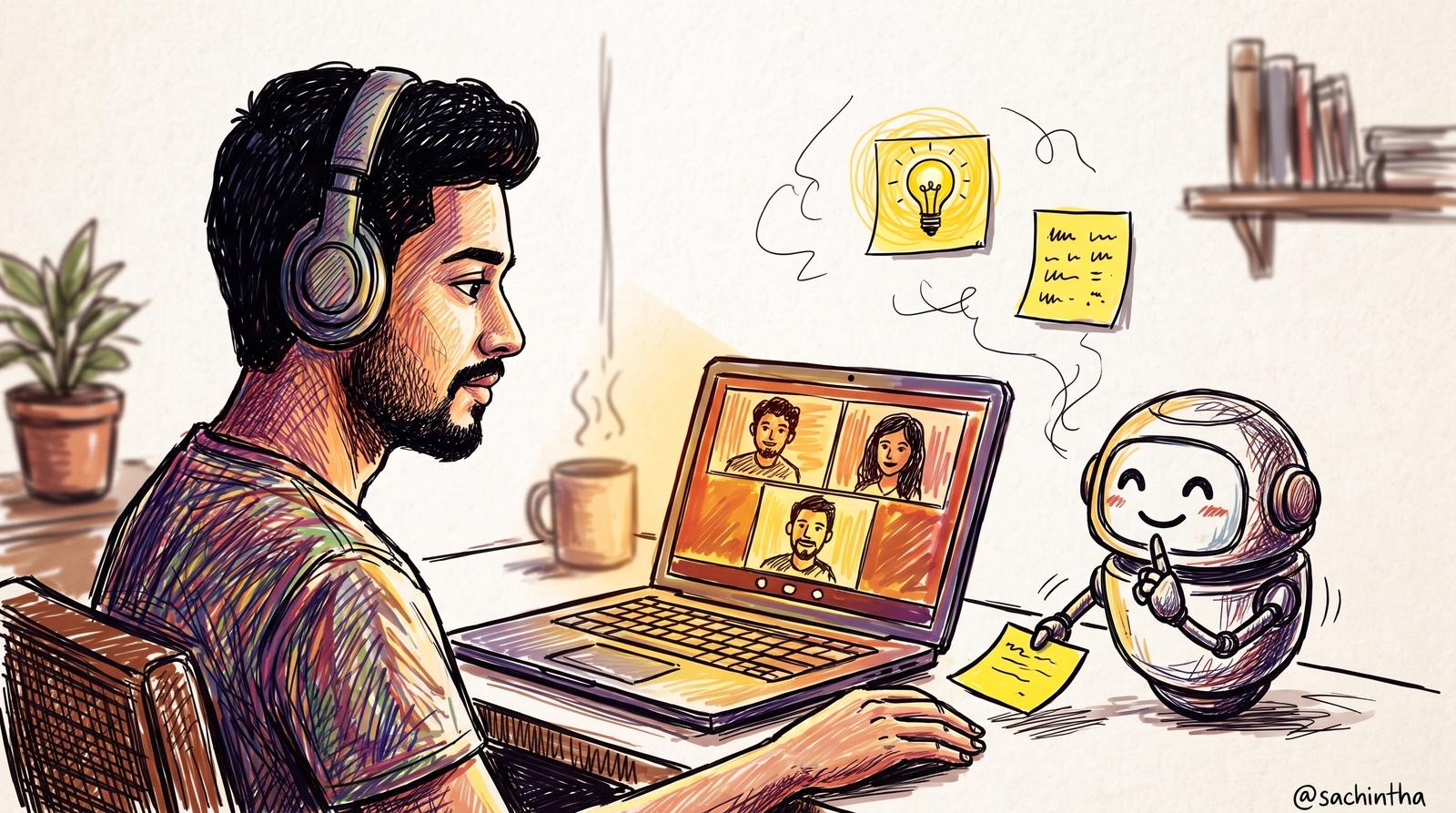
Tuesday afternoon. A weekly client call. Five people on their side, just me on mine.
We’re deep in the details: data sources, release dates, what’s ready and what isn’t. At one point I mention how many records are affected by a problem we found. I’m fairly sure about the number.
A few seconds later, a small card appears on my second screen.
The real number was less than half of what I’d just said. The card had the correct figure, two short lines of context, and the name of the file it came from.
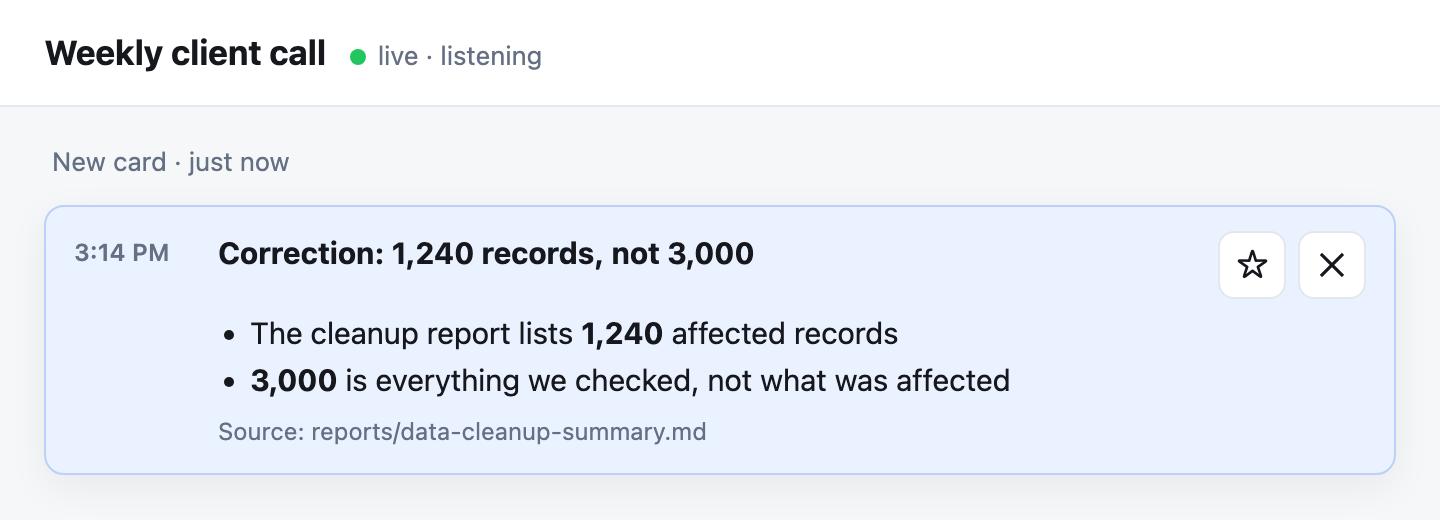
A recreation with made-up numbers.
Nobody on the call saw it. It was just me and my assistant, passing notes.
1. I used to know everything. I don’t anymore.
When I started my company, I knew every line of every project. If a client asked “what happens when this checkbox is ticked?”, I could answer straight away, because I’d probably written that code myself.
That stopped being true a while ago. There are more projects now, more people writing the code, and more moving parts than one head can hold.
The normal fix is to bring a developer into client meetings. I don’t do that, on purpose. Clients get one person who sees the whole picture and can say yes or no on the spot. My developers don’t get pulled into scope debates on a call, and small requests stay small.
So I’m left with a gap. The client expects precise answers. I’m the one in the room. And I no longer carry the full picture around in my head.
For a long time my answer was “let me check and get back to you.” That’s a perfectly good answer. But every time I say it, it adds a day. And sometimes I don’t say it. I answer from memory, a bit confidently, and I’m a bit wrong.
I realised I didn’t need a better memory. I needed a faster way to look things up.
2. What it actually does
The setup is simple to describe:
- It listens to both sides of the call. My microphone is one stream, and the call audio from my laptop is the other. Both are turned into a live text transcript, tagged “me” and “client”.
- My AI assistant reads along. It already has access to my notes about every project, our project files and our issue tracker.
- When something useful comes up, it posts a card. Not a wall of text. A one-line headline, a few bullets, and where the information came from.
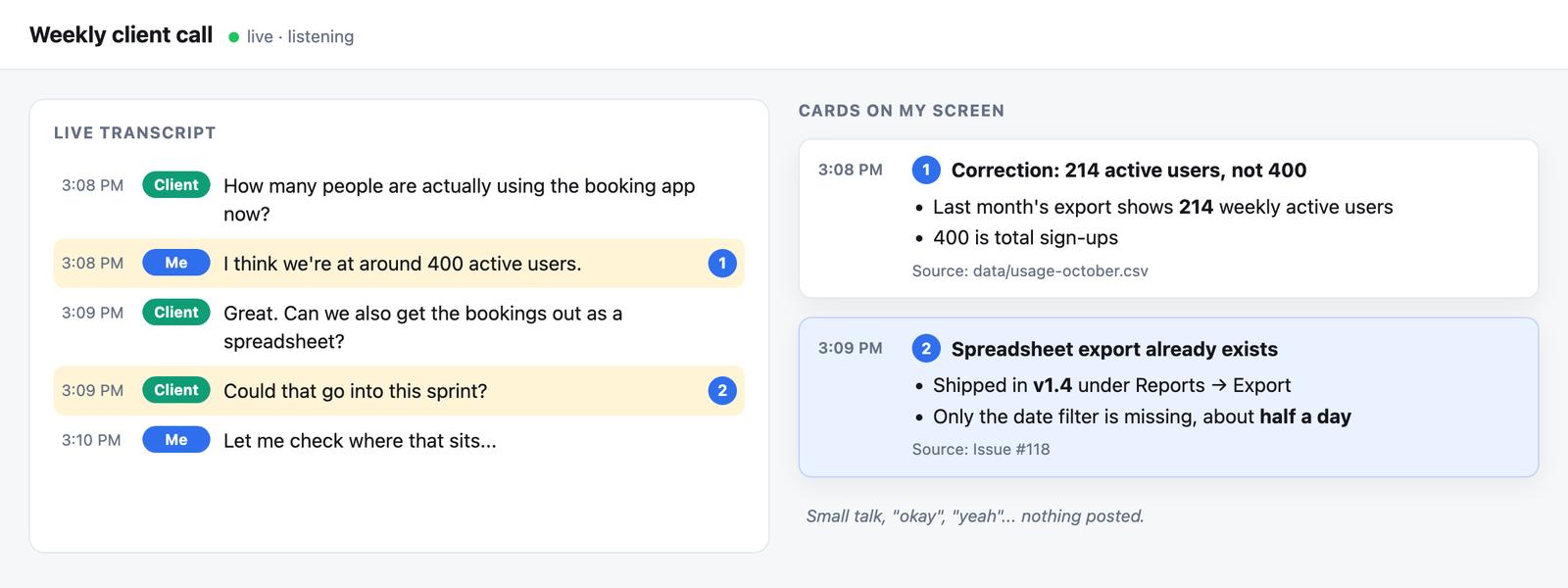
What that looks like, with a made-up project. Two lines worth acting on, two cards. The rest gets nothing.
It never speaks into the call. Everything is silent text on my screen, so the client never hears anything.
The rules for when it should post a card are the most important part. It speaks up when:
- A fact or number would help right now. Someone asks “how many” or “when”, and it looks it up.
- Someone says something wrong. Including me. Especially me.
- A risky promise is about to be made. An unrealistic deadline, a hidden dependency, or “let’s just include everything in the tickets.”
- A simpler option already exists. For example, a feature we already built that covers what the client is asking for.
- I’m about to explain something. It gives me short talking points I can glance at.
And it stays quiet during small talk, filler, half-finished sentences, side chatter in Sinhala, and anything it would only be guessing about. If it doesn’t know, it checks first or says plainly that it’s a guess.
That silence is what makes it useful. An assistant that comments on everything is just noise with a nice font.
3. The board
At first, the cards came into my chat window with the AI. That doesn’t really work. Scrolling a chat window during a live call, while also trying to listen and talk, is close to impossible.
So after that Tuesday call, I built a small page that opens in my browser when the assistant starts listening.
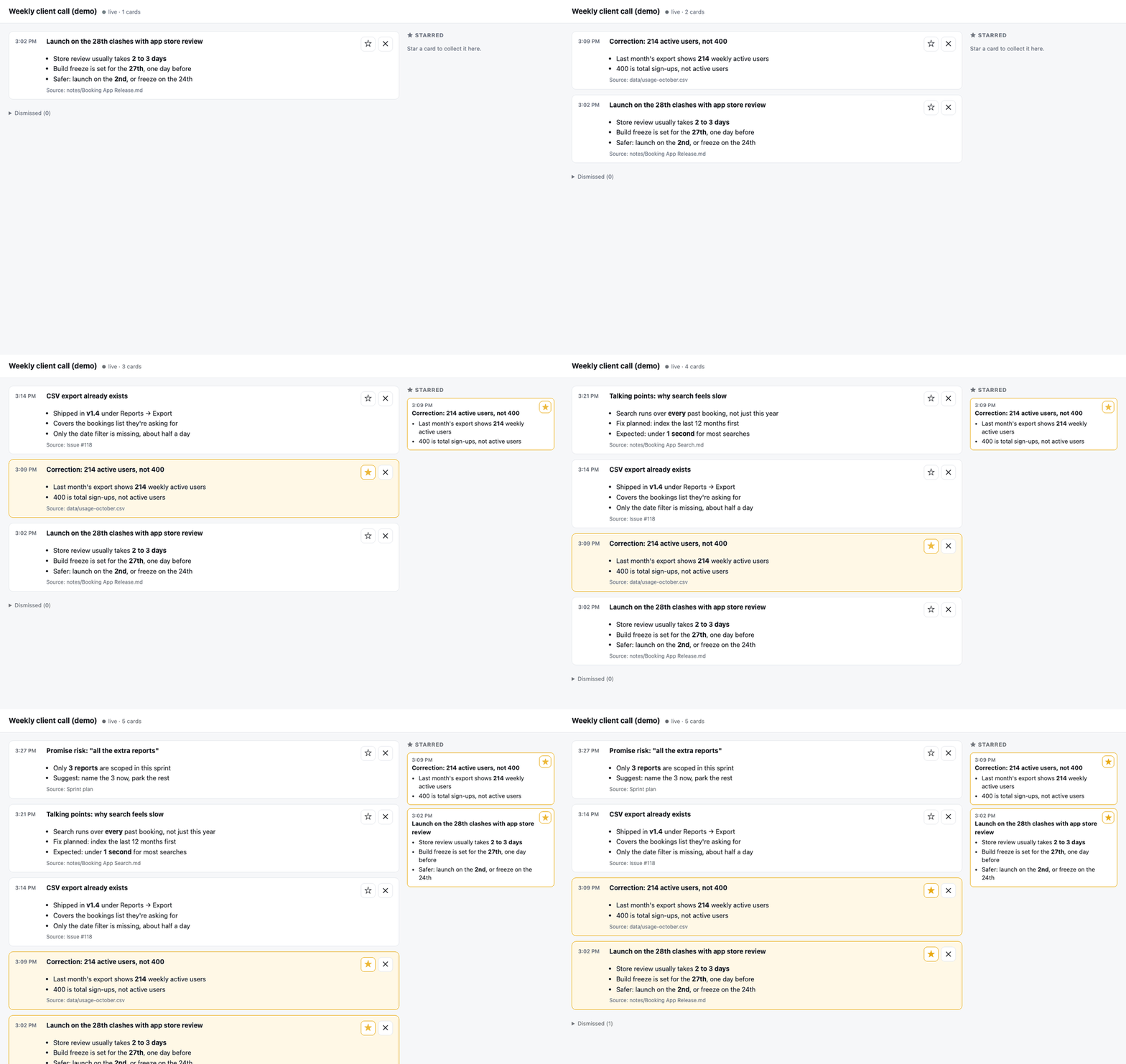
The board with made-up demo cards. Real client cards stay private.
- Newest card at the top, with a quick flash so I notice it.
- Star the ones that matter. They collect in a sidebar on the right, so the important stuff stays in one place.
- Dismiss the ones I don’t need. They fold away, and I can bring them back if I change my mind.
When the call ends, my starred cards go to the top of the meeting recap. The things I flagged during the call are the first things I follow up on.
One small rule I like: starring a card doesn’t change what the assistant sends next. The stars are only for me. I didn’t want it trying to please me. I wanted it to be right.
4. It did not work the first time
Or the second. Here’s the honest list.
- It heard everything twice. Without headphones, my mic picked up the client’s voice from my speakers, so the client showed up on my side of the transcript too. Headphones fixed it.
- It answered a question I didn’t ask it. During a test I said “tell me something” to someone else in the room. My assistant happily told me something. The rule since then: only jump in when I call it by name, or when the information is clearly worth it.
- It fell behind on a three-hour call. By the end it was about five minutes late, which is useless in a live conversation. Now it reads new lines in batches every 20 seconds instead of one at a time, and it keeps up.
- It went silent for 12 minutes and looked perfectly healthy. The connection dropped, the microphone failed to reopen, and the program kept running with nothing coming in. Lesson: check the last line of the transcript, not just whether the program is running.
- The slowest part wasn’t the AI model. For quick questions I tested a very fast model that answers from a project summary in about a second. But the delay was in my assistant noticing the line, thinking about it and deciding to act. Fast answers need a fast path, not just a fast model.
None of these were hard problems. They were just the kind you only find by using the thing for real.
5. What I took away from it
Stop trying to remember everything. This is the big one, and it goes far beyond meetings. Past a certain size, no founder holds the whole company in their head. The fix isn’t a better memory. It’s making the answer easy to find at the moment you need it.
Quiet beats clever. The hard part wasn’t getting the AI to say smart things. It was teaching it when to say nothing.
Keep yourself in charge. It hands me notes. I decide what to say. It never speaks for me and never sends anything to the client.
Let it correct you. The most useful card I’ve had so far was the one telling me I was wrong. I’d much rather hear that from a little box on my screen than from the client a week later.
For the nerds
- Listening: two live transcription streams from OpenAI’s realtime API, one for my mic and one for the call audio.
- Call audio: BlackHole, a free virtual audio device that copies the Mac’s sound output into a second input.
- The brain: Claude Code, reading the transcript as a log file and doing quick lookups in my notes, project files and GitHub.
- Fast answers: Groq, with a short “how this project works” doc loaded whole into the prompt. No search step, roughly one second per answer.
- The board: a single small Python file serving one local web page. No framework, no database, just a couple of files on disk.
Keep reading
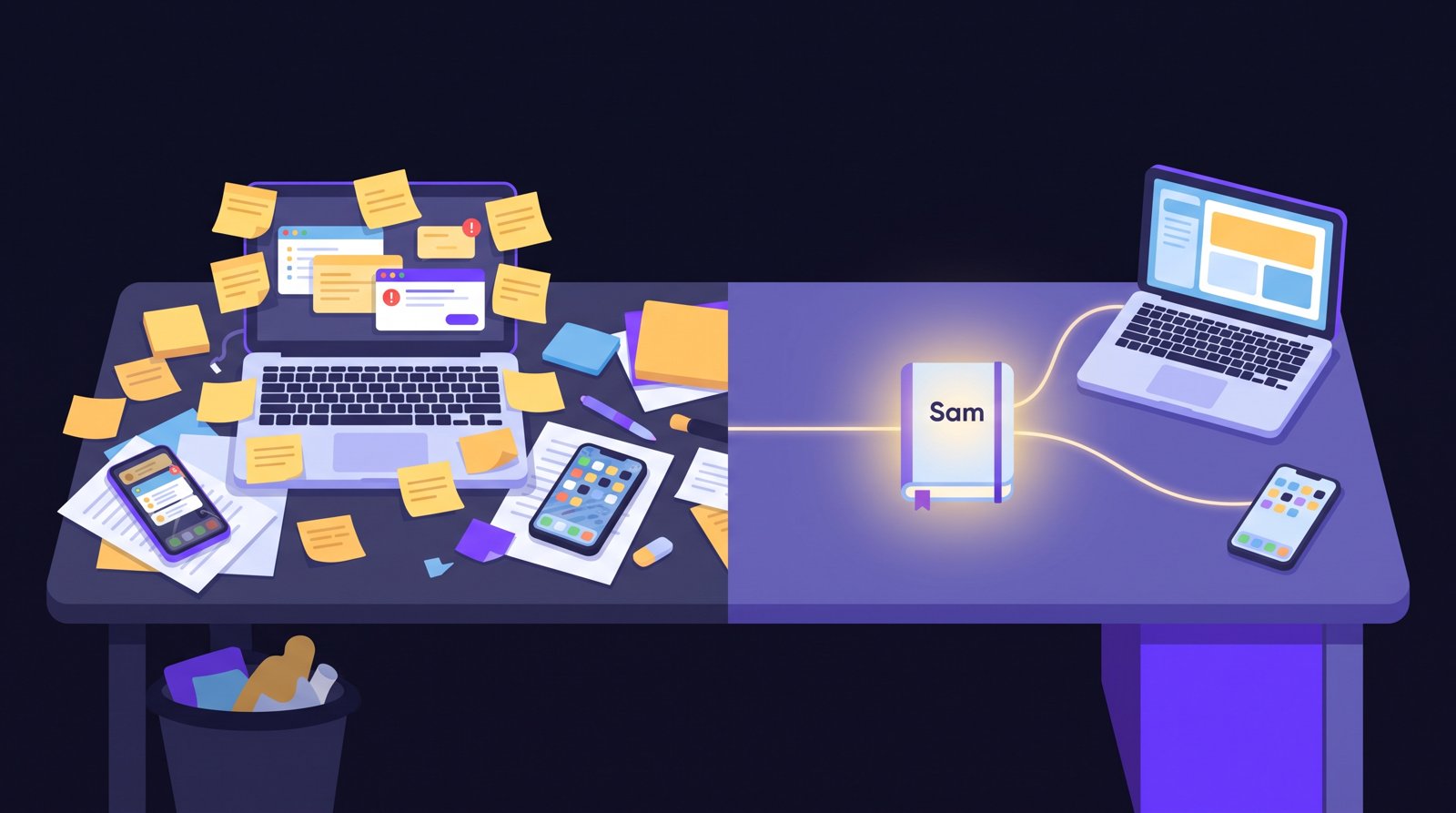
I Built an AI Second Brain That Remembers My Business. Here's Why It Went Out of Control.
What I Learned About Clinical Trials as a Software Guy

Featured Among University of Oklahoma Alumni